


Start and prepare yourself
Authorized users initiate an import themselves, select the file and spreadsheet, assign columns and clarify the technical information.
Authorized users can trigger, prepare and carry out imports in the test system themselves. Your team controls the results; The productive takeover follows the associated review and release process.
The meaning of your source data will be clarified before transfer.
Import example with synthetic data
Authorized users initiate an import themselves, select the file and spreadsheet, assign columns and clarify the technical information.
The import can be carried out in the test system. Your team controls concrete data, quantities, allocations and alerts.
Your team checks the data technically. Together with FBI Science, the tested version is released for takeover.
Independent field mapping and test import prepare the controlled takeover.
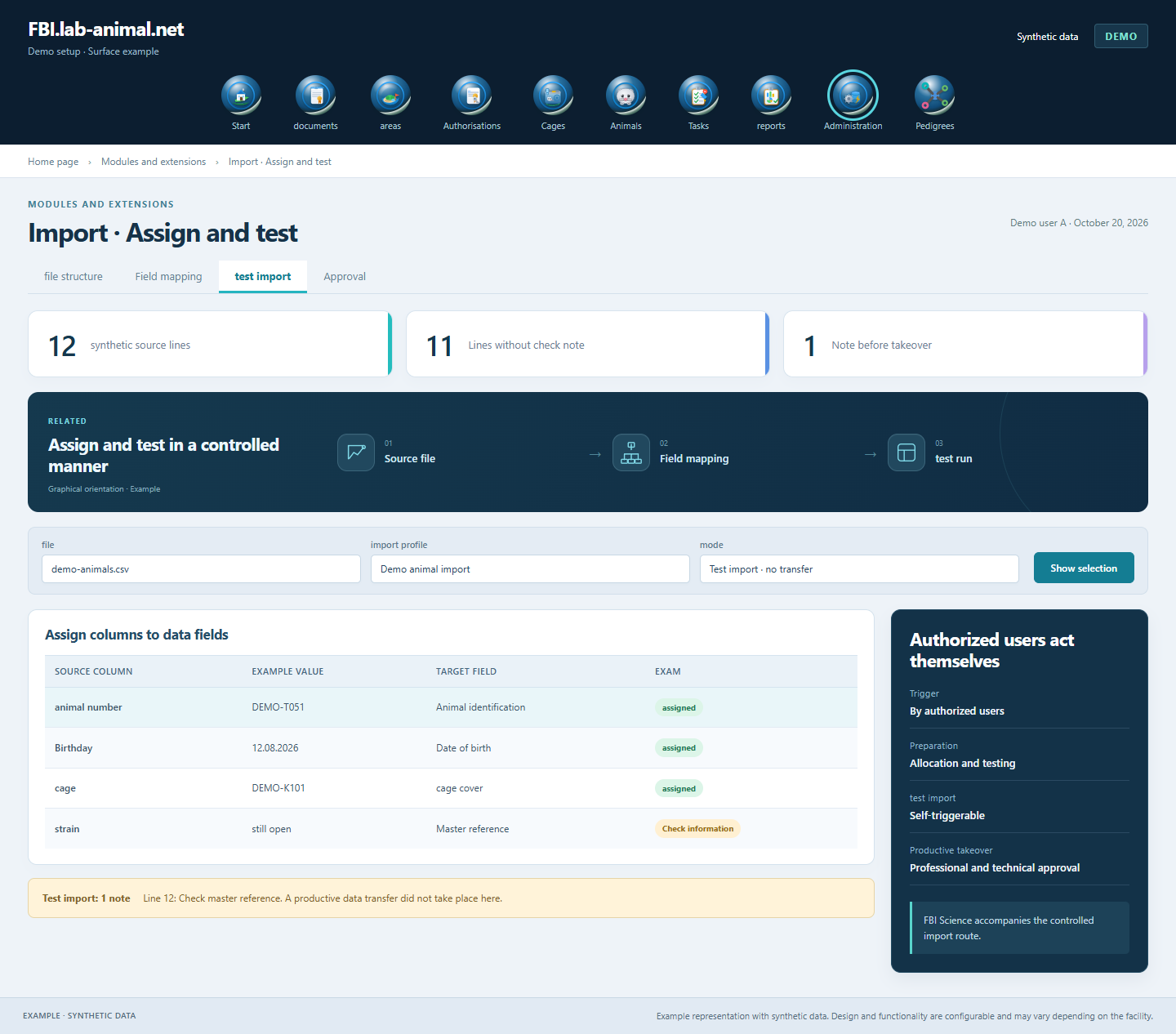
Your team starts the import, prepares the data transfer and tests the recorded status in the test system. Before the productive takeover, assignments, results and the required releases are checked.
Start the process, select Excel or CSV file and map the source columns.
Clarify new creations, possible updates, ambiguities and standard permissions.
Carry out the test import and check specific data, quantities, warnings and result report.
After the professional and technical inspection, have the tested status adopted in a coordinated manner.
Authorized users start and test imports themselves. Field assignment, test results and shared release support controlled data transfer.
Authorized users select their source file, assign the fields and carry out the test import themselves. Results and information help with the exam.
Excel (.xlsx) and CSV (.csv) up to 20 MB. A run processes a selected spreadsheet with up to 500 non-empty rows of data. Larger stocks are divided into coordinated runs.
Animals, cages, locations, litters, weanings as well as breeding and mixed data. Assignments and the supported new creations or changes are defined for the respective data area.
Your team checks the data technically. FBI Science accompanies the technical inspection and the coordinated release of the tested status.
Example representation with synthetic data. Design and functionality are configurable and may vary depending on the facility.
Together we will clarify what scope suits your facility and what the introduction can look like.
Let’s talk