


Reuse data
Identifications and existing specialist information are included in the respective card.
Cage, animal and breeding cards combine saved information into a printable output. This means that signs do not have to be copied out from individual data sets each time.
Sample view · Synthetic data
The cage map combines identifier, location and occupancy in one printable output.
Function example with synthetic data
Identifications and existing specialist information are included in the respective card.
Depending on the process, cage, animal or breeding cards are available.
Supported single and multiple outputs make recurring labeling work easier.
Existing cage and animal information is compiled for the printable card.
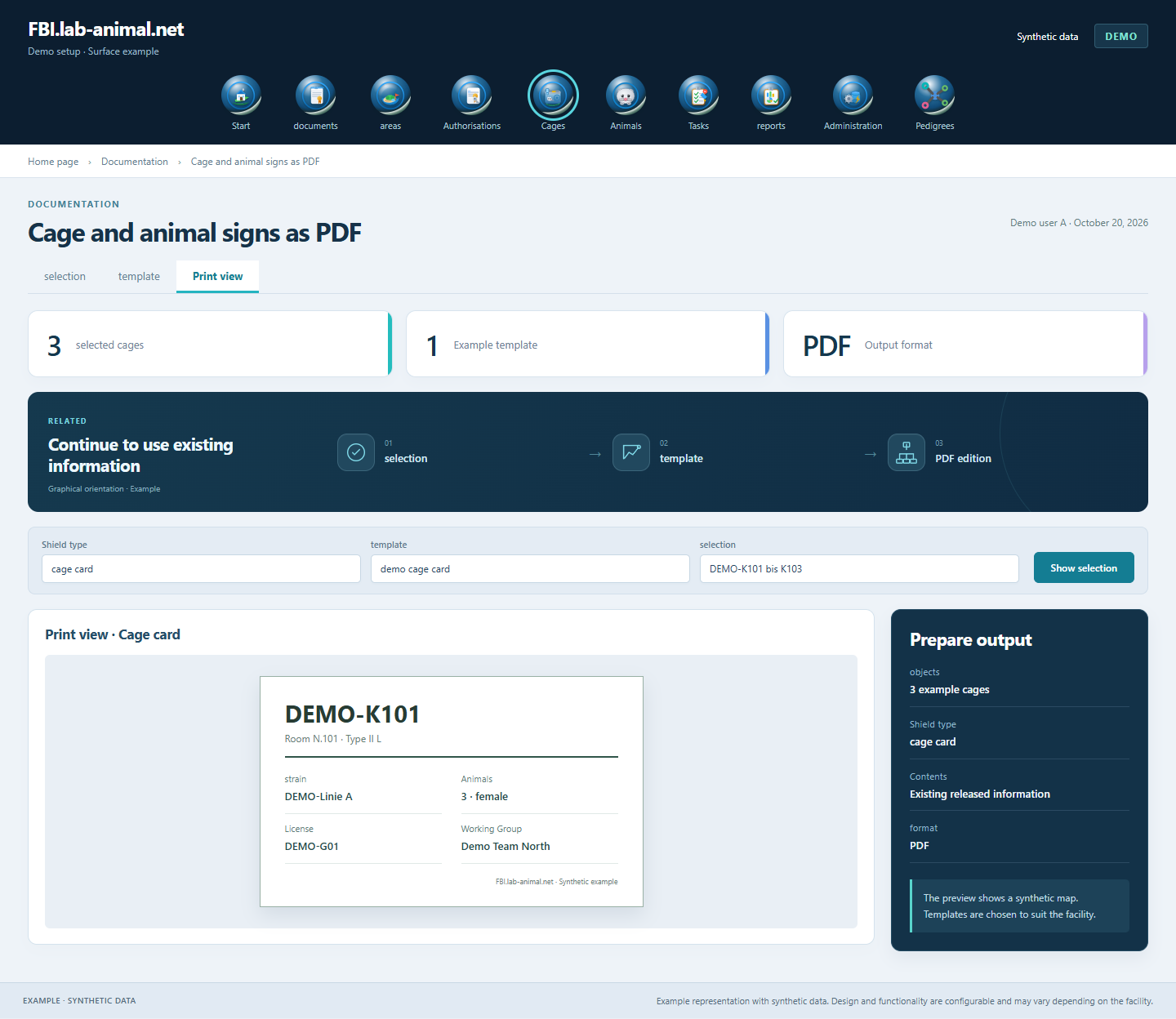
A PDF shows the data status of its creation. After changes are made, the required output must be consciously recreated and inserted in the right place.
Check the cage or animals in question.
Call up the appropriate cage, animal or breeding card.
Check content, page layout and assignment in the preview.
Use the correct format and place the sign in the appropriate place.
Create cage, animal and breeding cards from saved information. Individual and collective editions reduce repeated copying and make labeling easier.
Cage, animal and breeding cards use the respective identifiers and technical information from the animal database.
Single and multiple outputs support both targeted labeling and recurring printing tasks.
After a data change, create the required map again. Before printing, the preview helps to check content, format and assignment.
Example representation with synthetic data. Design and functionality are configurable and may vary depending on the facility.
Together we will clarify what scope suits your facility and what the introduction can look like.
Let’s talk