


Describe specifically
Reference, title, document type and keywords support the classification.
Documents are described with reference, title, type and keywords. Assigned files and specialist references make documents accessible where they are needed.
| reference | Title | type |
|---|---|---|
| DEMO-D01 | Example flow | SOP |
| DEMO-D02 | Example proof | proof |
A clear reference and an understandable title make it easier to find again.
Function example with synthetic data
Reference, title, document type and keywords support the classification.
The file content remains accessible via the document entry.
Existing documents can be assigned to approvals and other specialist processes.
Metadata and specialist references make files findable in the correct context.
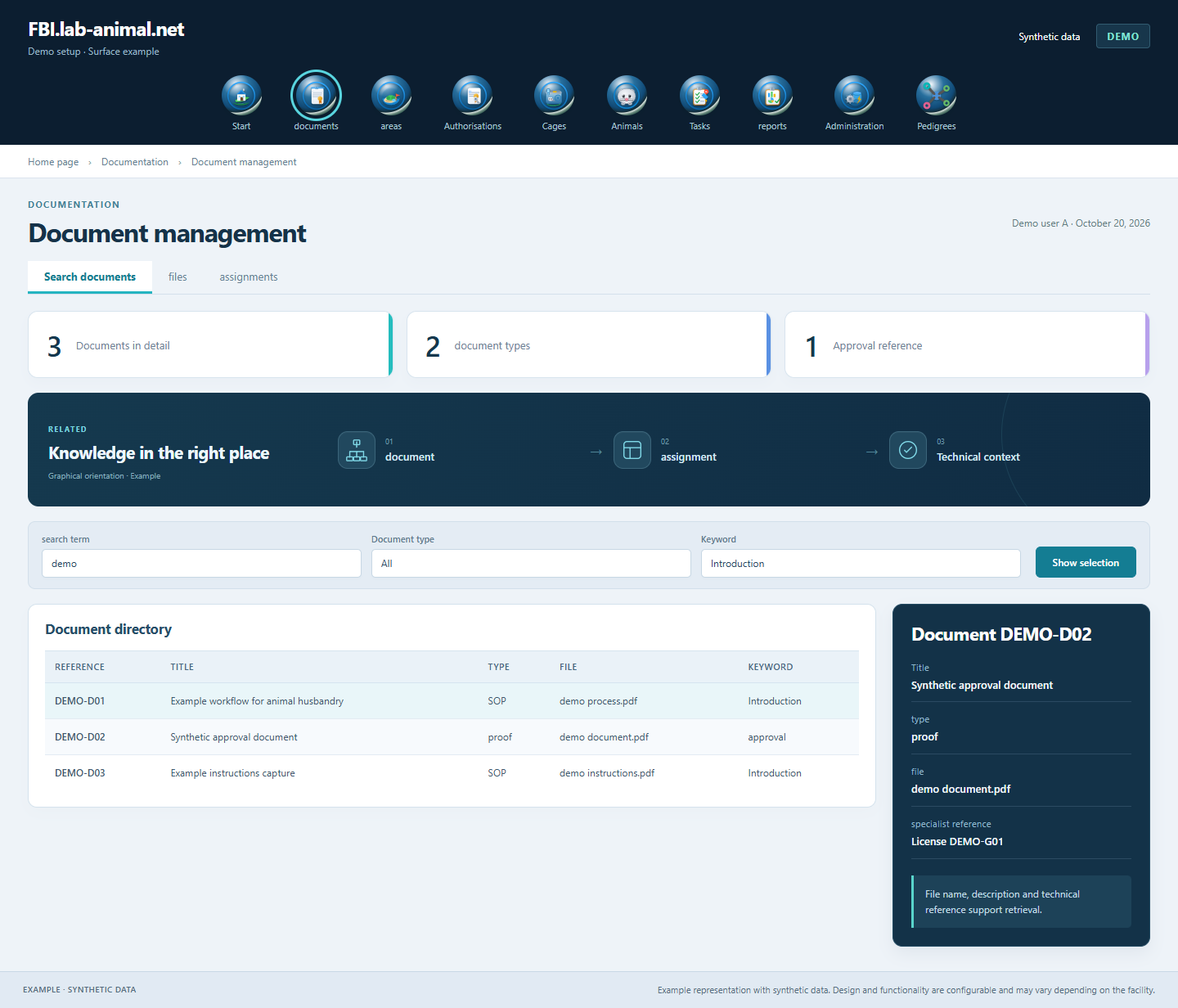
Metadata explains purpose and origin. A consciously maintained description helps the team to find the right document.
Set reference, title and document type.
Add the associated appendix and appropriate keywords.
Link the document in the supported context.
Use the document with the authorized persons.
Documents remain accessible with a meaningful description and technical classification. Title, document type and keywords make it easier to find again.
Reference, title, type and keywords supplement the assigned file with understandable information about content and use.
Documents can be linked, for example, to approvals and other specialist processes. This means they can be reached in the respective work context.
Up to 20 MB per file is available for document uploads. Access rights determine who can use the document.
Example representation with synthetic data. Design and functionality are configurable and may vary depending on the facility.
Together we will clarify what scope suits your facility and what the introduction can look like.
Let’s talk