


Select perspective
Reports organize data by project, room or workgroup, for example.
Existing report types open up animal populations, occupancy, whereabouts, tasks and other connections. Tables and supported exports make the results further usable.
| room | Artificial animal population |
|---|---|
| Room 01 | 18 |
| Room 02 | 12 |
| Total | 30 |
The example combines 30 animals from two rooms.
Function example with synthetic data
Reports organize data by project, room or workgroup, for example.
Stocks, whereabouts and occupancy receive an expressly stated technical reference.
Supported CSV outputs enable further editing of the tabular results.
Report type, parameters and results retain their traceable reference.
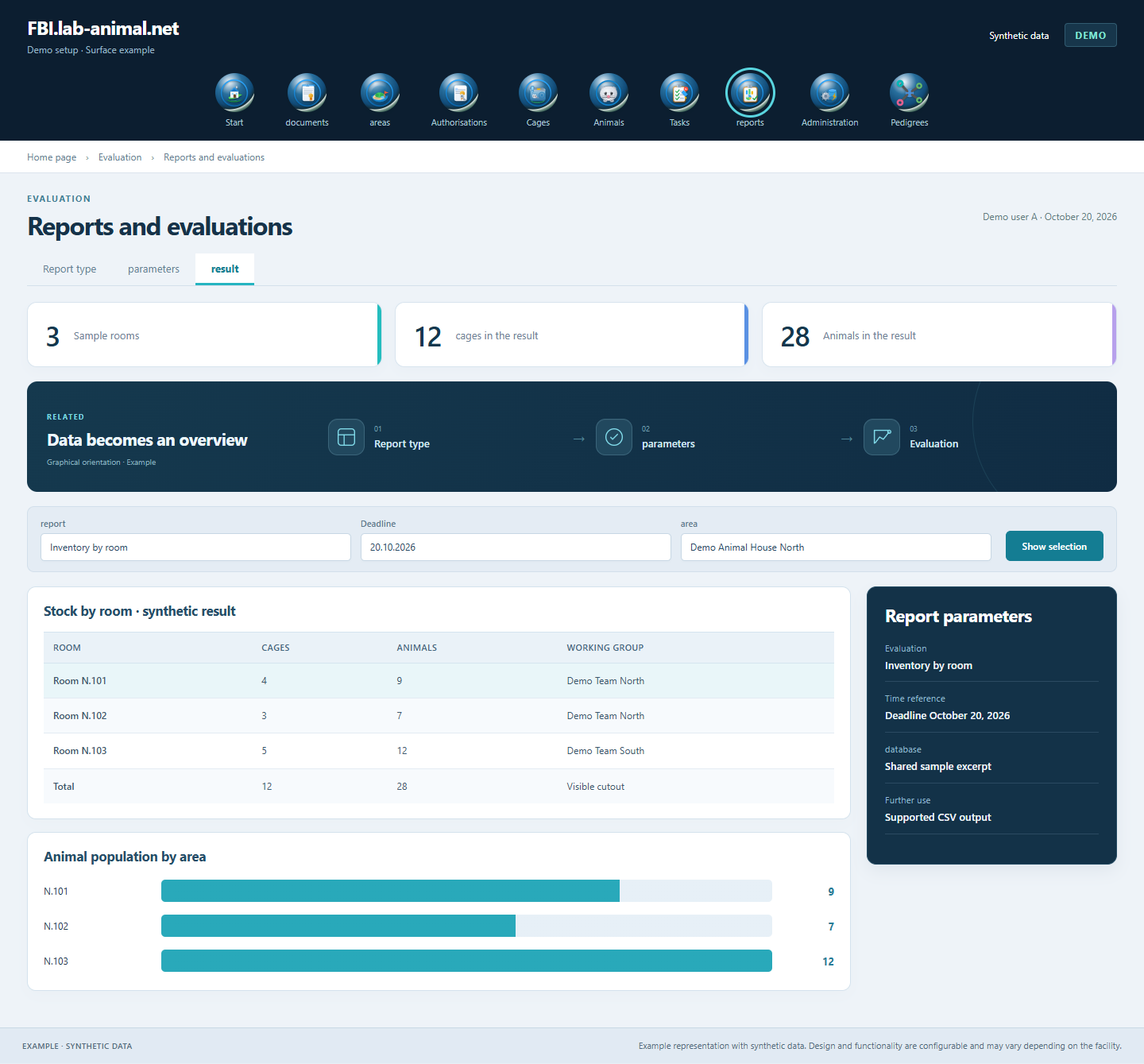
The appropriate report type connects your question with the relevant section of the data. Period, assignment and totals help to classify the results.
Open the existing evaluation that matches the technical question.
Classify period, assignment and available selection parameters.
Check database, groups and totals for plausibility.
Use the supported output for further use.
Select the appropriate report type for inventory, occupancy, whereabouts or tasks. Selection parameters and tabular outputs make the data usable for your question.
Reports open up data by project, room or workgroup, for example. The selection parameters depend on the selected report type.
CSV outputs provide the supported tabular reports for reuse.
Report type and period specify the reference of the evaluation. For example, current inventory, whereabouts over the course of the year and occupancy can be classified appropriately.
Example representation with synthetic data. Design and functionality are configurable and may vary depending on the facility.
Together we will clarify what scope suits your facility and what the introduction can look like.
Let’s talk