


Design your own appearance
Set the language and available display options according to your own preferences.
Each user can configure appearance and functions for themselves - within the functionality of their assigned role. Tasks, messages and personal settings create an entry point that fits your own work.
| Task | Stand |
|---|---|
| DEMO-A01 | open |
| DEMO-A02 | in progress |
Personal tasks lead to the upcoming work steps.
Function example with synthetic data
Set the language and available display options according to your own preferences.
Compile your own workspace from the functions of the assigned role.
Tasks and messages lead to the next steps in your own work context.
Your own tasks, messages and personal display options get you started.
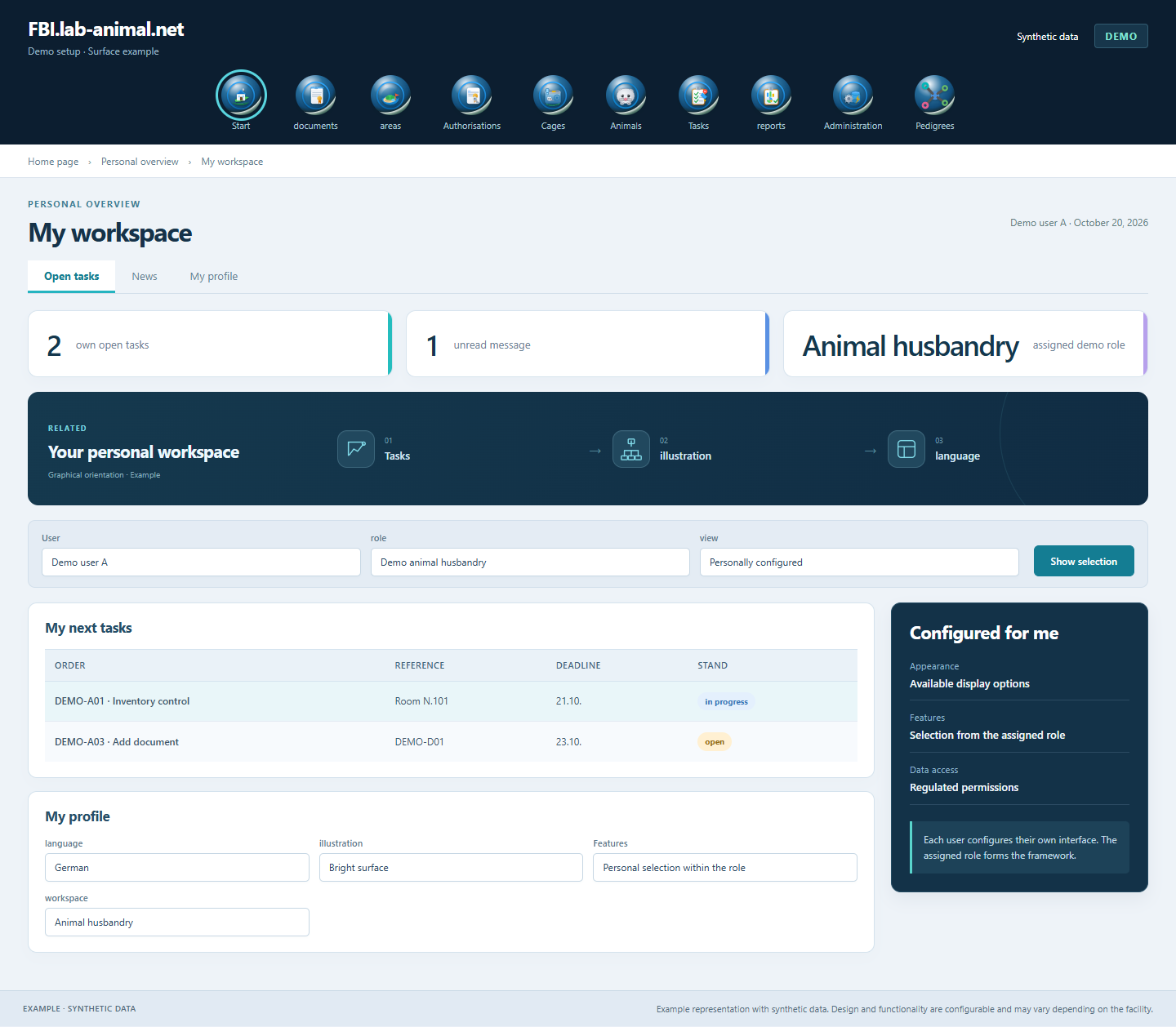
The personal configuration is within the assigned role. Regulated data access also applies to the individually designed interface.
Start with the associated user identity.
Set language and available display options.
Set up the functions available for your own role to suit your work.
Switch to tasks, messages and the required specialist processes.
Design the interface, language and functions to suit your work. The personal settings are within the assigned role and data permissions.
Yes. Each user can configure the appearance and functions for themselves. The scope available depends on his assigned role.
The animal database is available in every language - from Gaelic to Swiss German. German, English, French, Spanish, Italian and Dutch are available as standard. Each user chooses their own preferred language.
Personal tasks, messages and available profile options lead to the information and functions relevant to one's work.
Example representation with synthetic data. Design and functionality are configurable and may vary depending on the facility.
Together we will clarify what scope suits your facility and what the introduction can look like.
Let’s talk