


Freely define roles
Authorized managers define roles with the required menus and actions and assign them to users.
Roles can be freely defined and assigned to suit the tasks of your facility. Regulated access rights determine who can use which functions and data. Privileged users – such as the appropriately authorized facility manager – can change standard authorizations themselves.
Roles determine the scope of functions. Access to specific data is additionally regulated.
Function example with synthetic data
Authorized managers define roles with the required menus and actions and assign them to users.
Owner, editor and read assignments regulate who can see or edit specific records.
Privileged users can define the associated owner, editor and reading groups themselves, for example the correspondingly authorized facility manager.
Freely defined roles and self-adjustable standard rights regulate collaboration.
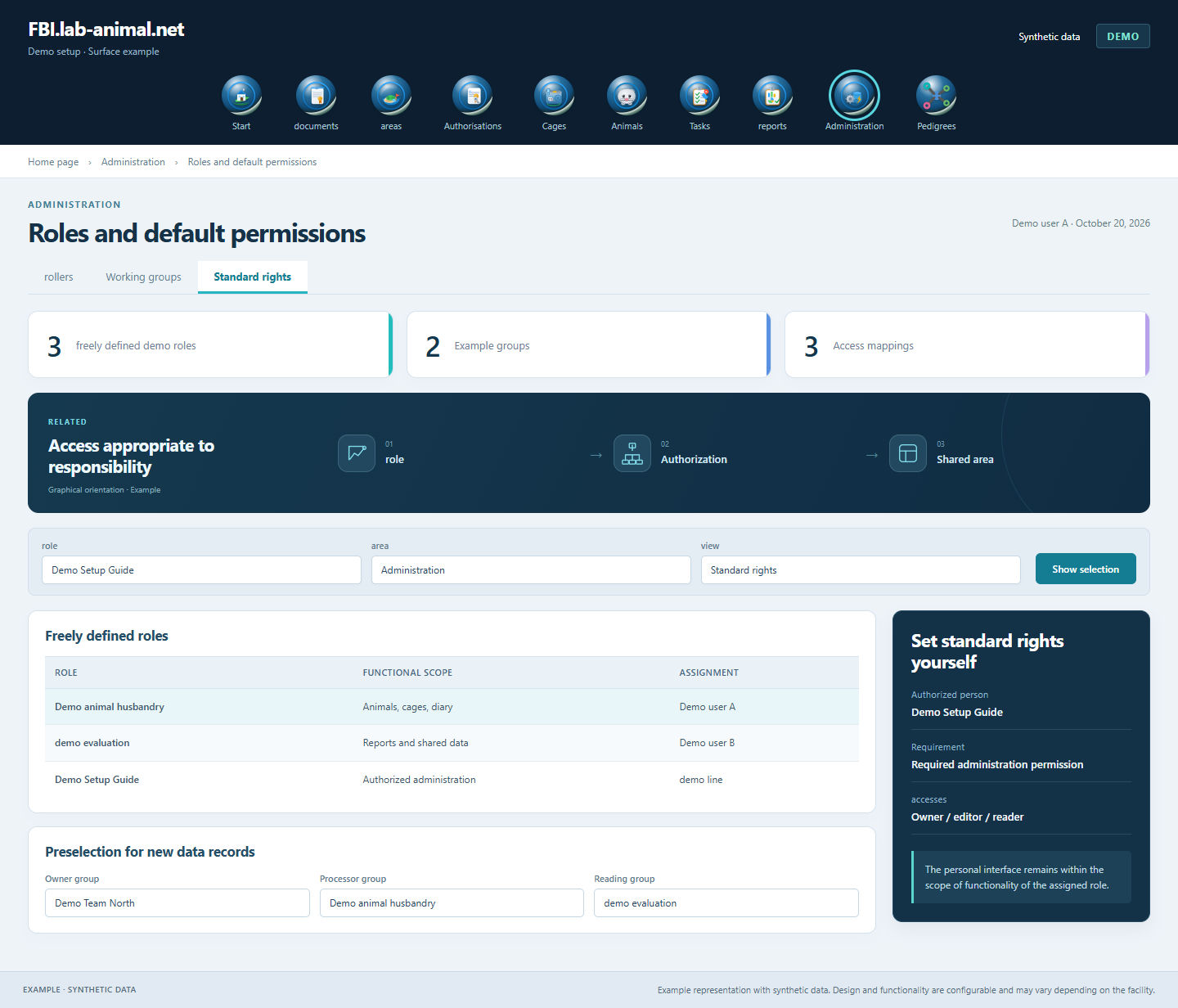
Functional rights and data access form a common framework for collaboration. Within their assigned role, each user can personally configure the appearance and functions.
Define your own roles according to the activities of your institution.
Assign the freely defined roles with the required range of functions.
Set up groups and access to individual data sets to suit the responsibility.
Control personal configuration, visibility and editing with associated identities.
Freely definable roles and regulated data access adapt the application to your responsibilities. Authorized managers can set standard authorizations themselves.
Privileged users with administration authorization change the preselection directly in the application. This could, for example, be the appropriately authorized facility management.
Roles determine the functions and actions that can be used. Groups and assignments also regulate which data sets can be viewed or edited together.
Presets make it easier to assign appropriate rights for new entries. The access rules for individual data sets can still be managed in a targeted manner.
Example representation with synthetic data. Design and functionality are configurable and may vary depending on the facility.
Together we will clarify what scope suits your facility and what the introduction can look like.
Let’s talk