


Limit hits
Identifiers, technical characteristics and time information support the search in the respective area.
Subject-specific search fields lead to the appropriate section of the inventory. Supported multiple actions help to consolidate recurring work on selected entries.
Technical search criteria limit the inventory to the appropriate entries.
Function example with synthetic data
Identifiers, technical characteristics and time information support the search in the respective area.
Only actually selected entries are included in the next supported operation.
Multiple creation, common task actions or matching multiple editors save repeated navigation.
Search criteria lead to controlled selection for supported multiple actions.
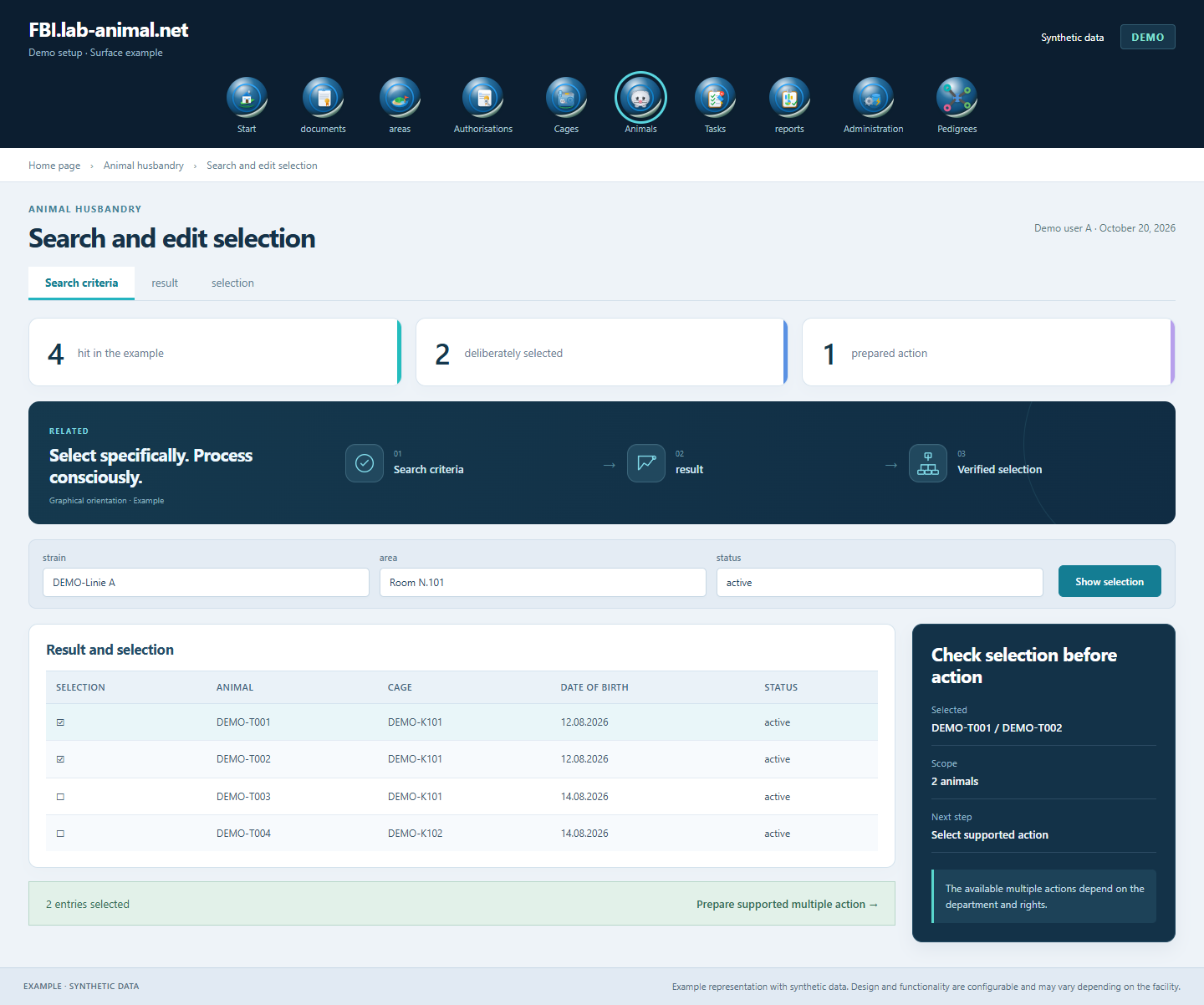
Targeted search criteria reduce the number of hits. Selected entries can then be edited efficiently using the appropriate multiple actions.
Select the relevant characteristics.
Check hit and extent before selection.
Only mark the objects actually affected.
Check information and result in the respective process.
Find suitable entries with technical search criteria and bundle recurring work using the available multiple actions.
Identifiers, technical characteristics and time information lead to the appropriate section in the respective search mask.
Depending on the department, multiple creation, shared task actions and multiple editors are available. You select the affected entries and check the scope before execution.
Example representation with synthetic data. Design and functionality are configurable and may vary depending on the facility.
Together we will clarify what scope suits your facility and what the introduction can look like.
Let’s talk