


Identify responsibility
The client and those carrying out the process remain identifiable.
Orders combine content, responsibility, deadline and processing status. Subtasks can divide larger projects into related steps.
Content, date and responsible person make the next step clear.
Function example with synthetic data
The client and those carrying out the process remain identifiable.
Subtasks can contain further subtasks and structure a larger process.
Deadlines, priorities, object references and processing statuses support coordination.
Order, responsibility, deadline and nested subtasks remain connected.
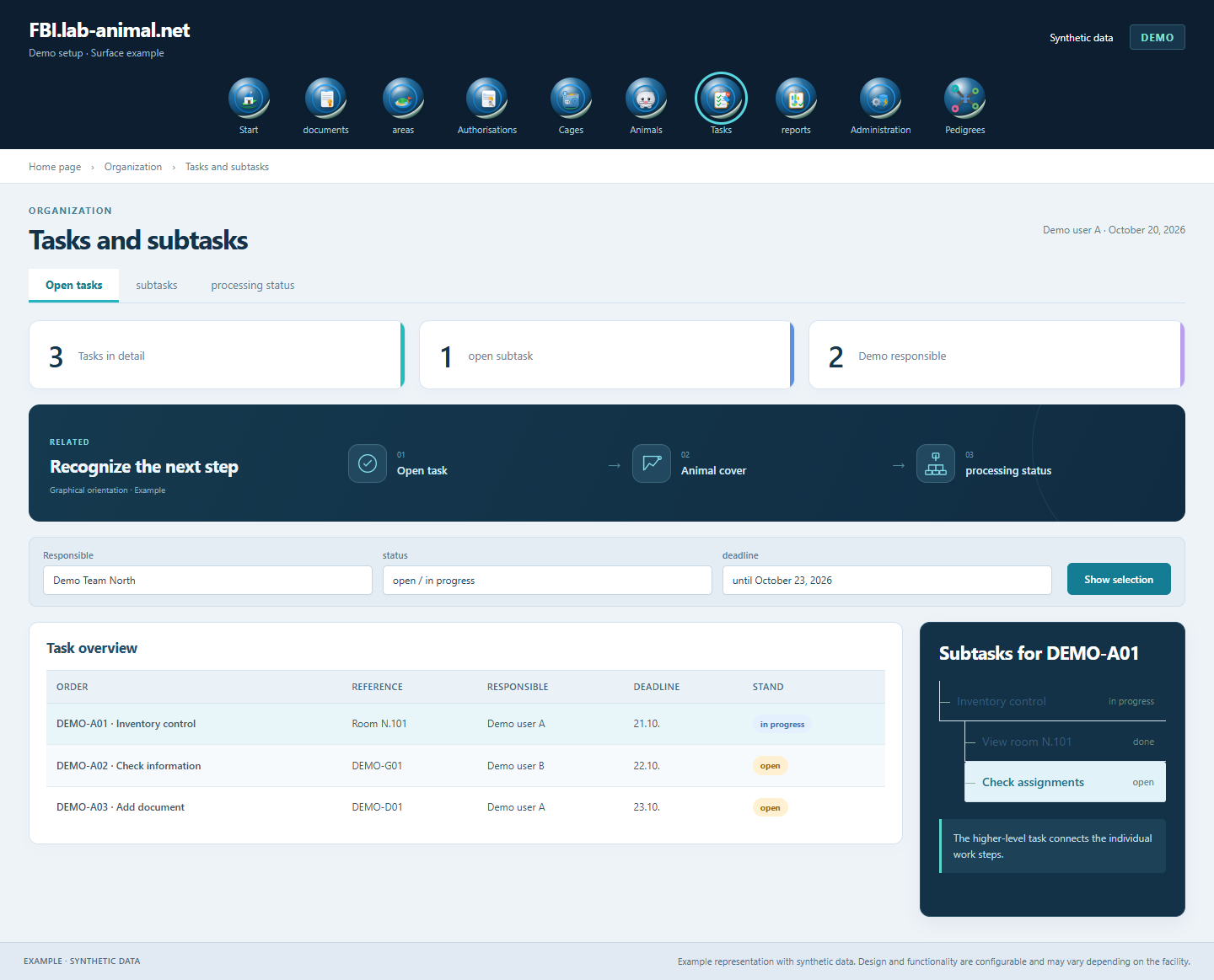
The specific role and test sequence is determined for the facility. An additional management overview is accessible to appropriately authorized persons.
Specify content, date and required object reference.
Assign the authorized persons or groups.
Use subtasks or existing templates if necessary.
Record the processing status and completion in the associated process.
Distribute tasks with deadline, priority and responsibility. Nested subtasks make larger projects workable in individual steps.
Subtasks can contain additional subtasks. In this way, related work steps retain their connection to the higher-level order.
Dates, priorities, processing statuses and references to the affected animals or processes make coordination easier.
Personal views bundle your own tasks. Authorized managers receive a further overview of their responsibilities.
Example representation with synthetic data. Design and functionality are configurable and may vary depending on the facility.
Together we will clarify what scope suits your facility and what the introduction can look like.
Let’s talk